Back to symphony100.com Symphony 100 Store · independent authorized partner of Everything DiSC® and The Five Behaviors®
All categories

CREDITS, ACCESS CODES AND REPORTS

Manage Assessments

Run the assessments from your own account and nothing waits on anyone else. Your organization opens its own EPIC account, holds its own balance of credits, and issues every Everything DiSC® and The Five Behaviors® assessment, profile, and report from it — with your branding on the reports and your own dates on the calendar.

Manage Assessments

What this function covers

Ordering and holding credits

Credits are the currency inside EPIC. You buy them into your account, and every assessment and every report draws from the same balance — so you decide what to run at the moment you run it, rather than ordering product by product and waiting.

Issuing assessments and sending access codes

You generate the access a learner needs and send it out, one at a time or in bulk. Everything DiSC® and The Five Behaviors® are issued from the same place, against the same balance.

Organizing learners

Learners are grouped into organizations, departments, and teams inside the account. That structure is what later makes a group report mean something rather than being a pile of individual results.

Pulling reports for the people who need them

Group and Group Culture Reports, Facilitator Reports, Comparison Reports, and Team View Reports are generated from completed assessments — usually for the facilitator, sometimes for the learners themselves.

Keeping people moving

Before, during, and after: who has been invited, who has finished, who needs a reminder, and who receives which report when. This is the work that decides whether a program lands on schedule or slips a month.

How it works

three steps, then you are running it yourself

STEP 01

Open your EPIC account

EPIC is Wiley’s assessment administration platform, at admin.wiley-epic.com. Your organization gets its own account — a client account opened under our authorized partner account and run entirely by you. We set it up, name your administrators, and hand over the keys.

STEP 02

Load credits

Credits are $6.00 each and are ordered in packages, with volume rates as the package grows. One balance covers Everything DiSC® and The Five Behaviors® alike, so you are not forecasting title by title months ahead.

STEP 03

Issue, organize, report

Assign credits to assessments and reports, send access codes, group your learners into departments and teams, and pull the reports your facilitator needs before the session.

Sync EPIC with Catalyst™ before you run anything

The Catalyst™ Administrator Experience requires the EPIC administrator to be synced to a Catalyst™ learner account, and so does Worksmart. It is a one-time step, and it is easy to skip by accident.

In EPIC, open Personal Options > My Personal Settings and choose Synchronize my EPIC and Catalyst users. Confirm it took by opening Manage Your Account > Manage Users and checking that the Learner Email field is populated.

Skip it and your administrator can still issue from EPIC — but the Catalyst™ side of the experience stays closed.

Two colleagues working at a computer
An administrator at work

One balance, whole catalog

Ordered into your account, drawn down as you issue.

How credits work

A credit is the unit EPIC charges in. Every assessment and every report carries a published credit value, and all of them draw from the same balance — which is what lets you change the plan mid-program without a new purchase order.

Credits are $6.00 each. Packages carry volume rates that step the per-credit rate down as the package grows; every product page shows its own volume-rate table. The Annual Credit Subscription commits your year’s credits once and spreads the payment monthly, holding your rate across the year.

6 products · the account is per organization; credits are drawn down as you issue

Open the account

Administrator Account Set-UpSTART HERE

YOUR OWN ISSUING ACCOUNT

Administrator Account Set-Up

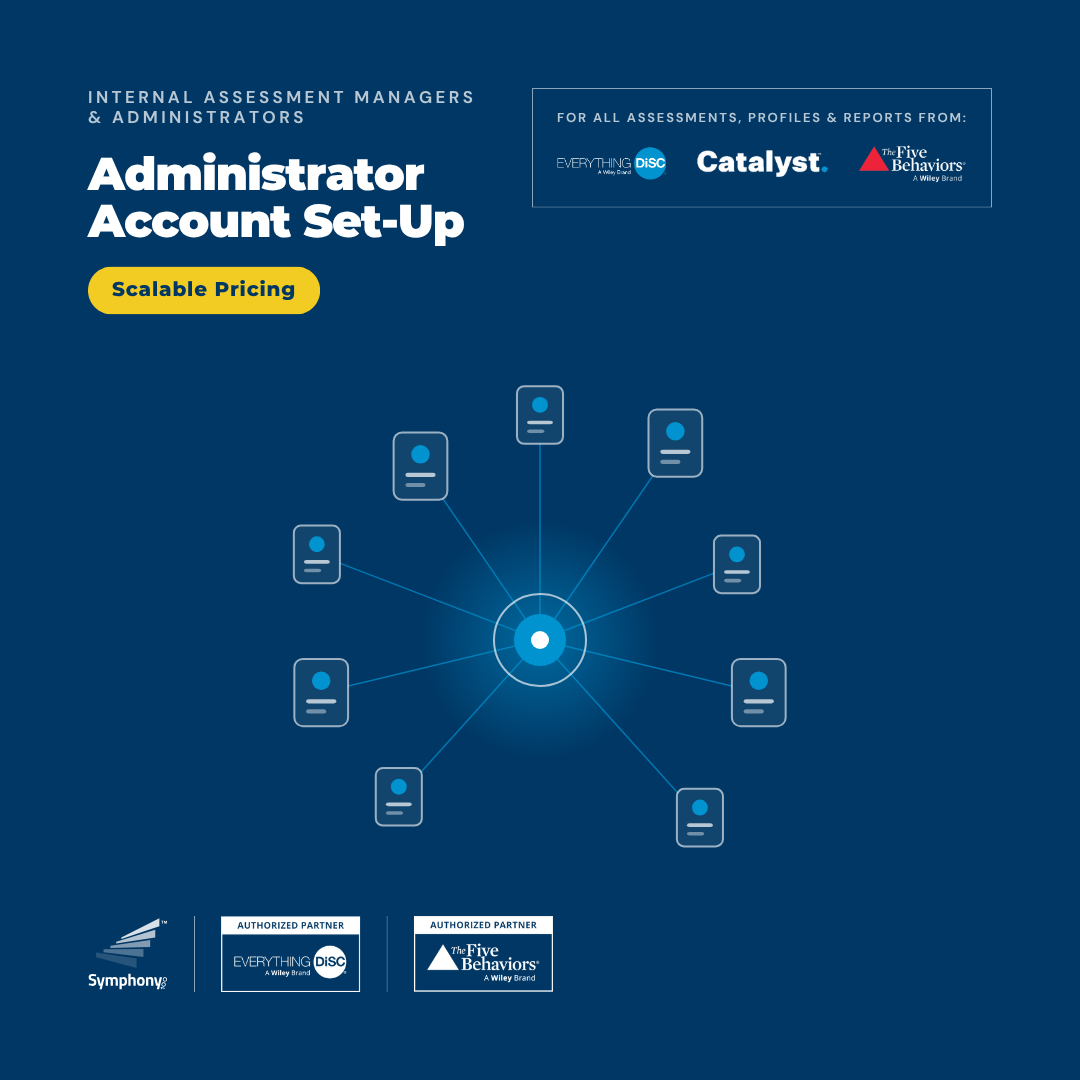
Your organization's own issuing account: generate and assign access for every Everything DiSC® and The Five Behaviors® assessment, profile, and report — from your own credits, in real time.

$330 one-time

Load the balance

Or have it run for you

Facilitate online and in person

Certification, the Catalyst™ facilitation library, and single-program kits for the person who runs the session — on their own page.

Deliver Training

Keep looking

All categories
Symphony 100 is an independent authorized partner of Everything DiSC® and The Five Behaviors®, and is not affiliated with Wiley. Everything DiSC® and The Five Behaviors® are development tools, never hiring or selection tools.

Our Brands

Our Companies

Symphony 100 North America, LLC
Sheridan, Wyoming, USA
Symphony 100 Ltd.
Reg. 516786621 · Tel Aviv-Yafo, Israel
Everything DiSC Authorized Partner — A Wiley Brand The Five Behaviors Authorized Partner — A Wiley Brand

Symphony 100 Ltd. and Symphony 100 North America, LLC are separate companies operating symphony100.com, symphony100academy.com, and chaostoalignment.com.